Sankofa MobilitySankofa Mobility
Features

Everything your fleet needs, in one platform

An operator console for your team and a branded app for your riders, built around vehicles, locks, riders and money.

Operations

The fleet, the money and the queue, live

The control room is where your team starts the day. It shows what is riding, what is free, what needs a hand and what came in, and it keeps itself up to date.
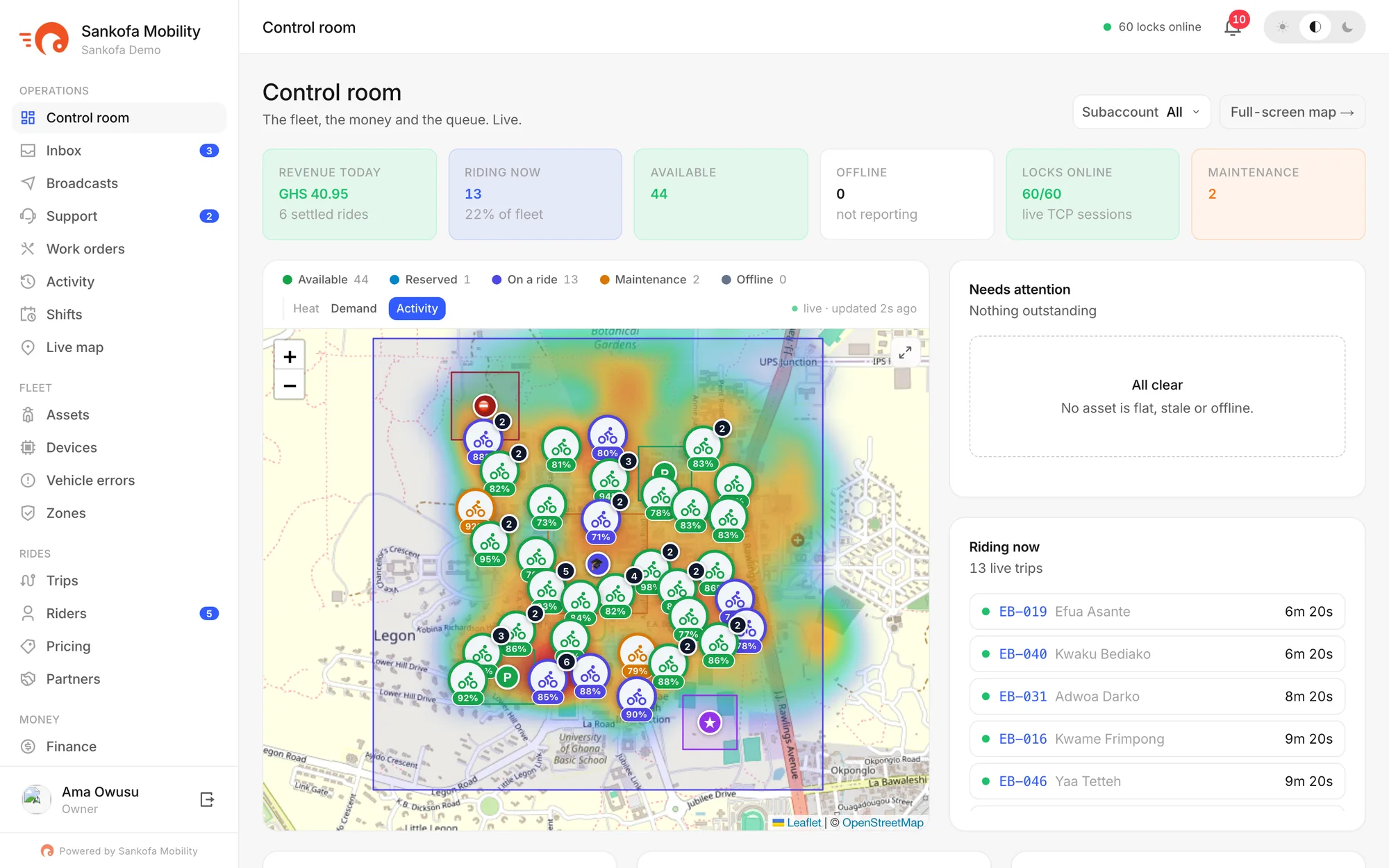
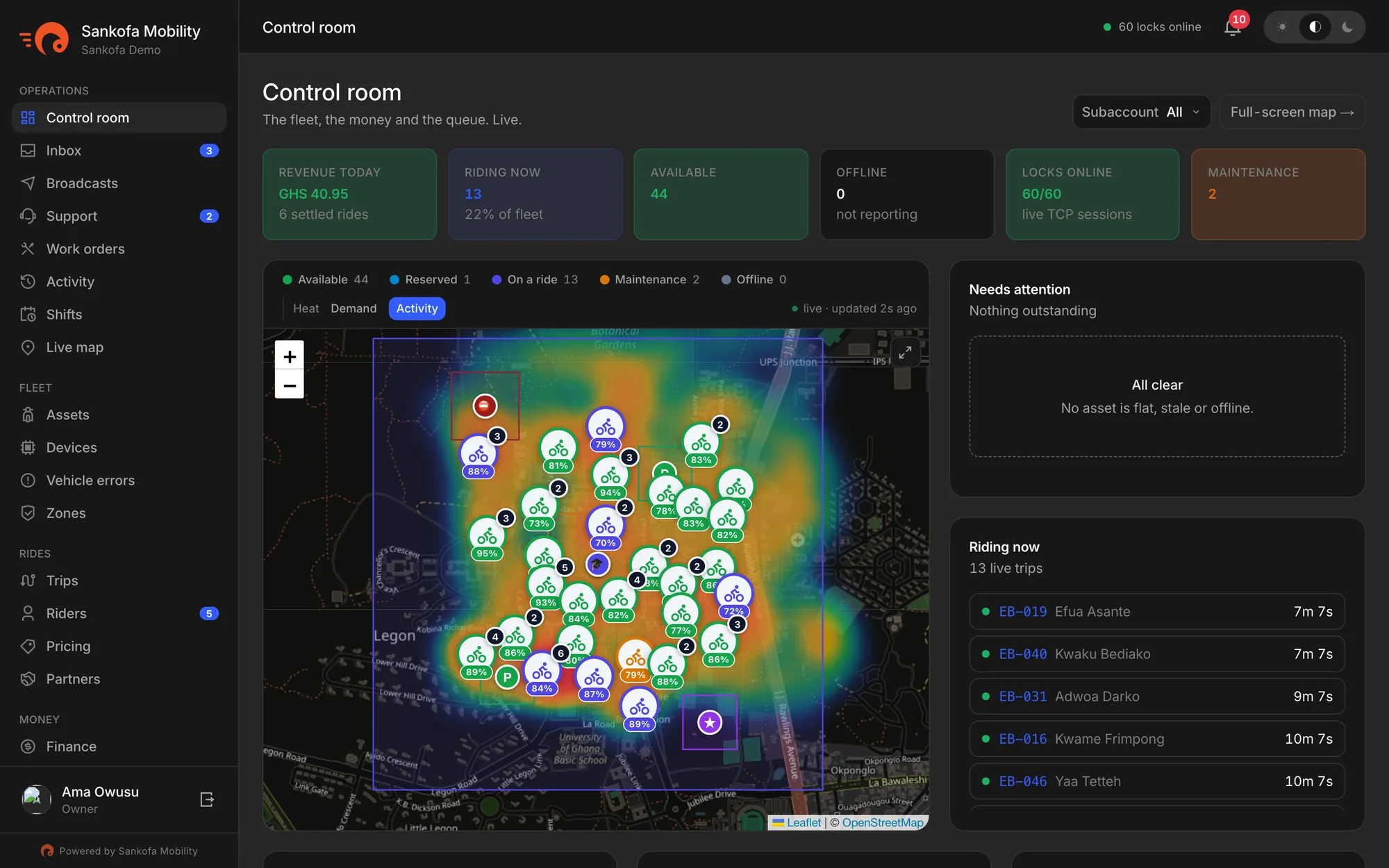
The control room with revenue, rides in progress, a live map and a needs-attention listThe control room with revenue, rides in progress, a live map and a needs-attention list
  • Revenue, rides in progress and availability at a glance
  • Needs attention: flat batteries, silent locks, bikes gone quiet
  • Live map with demand, ride-end and revenue heat
  • Work orders for repairs, battery swaps and rebalancing
  • Shifts, so you know who is on duty and where
  • An activity log of everything that happened, and who did it
Fleet and locks

Every vehicle, every lock, every battery

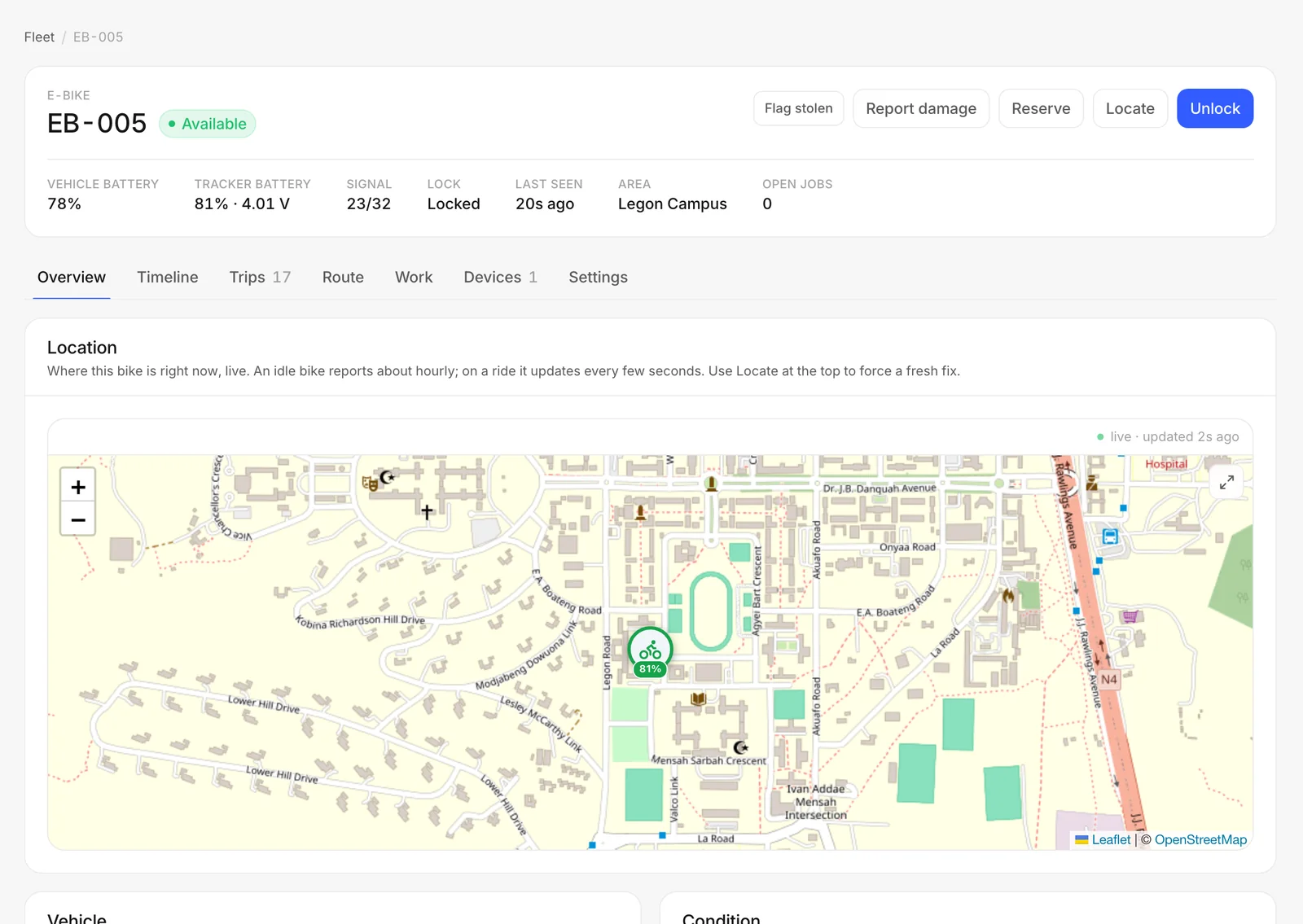
Each vehicle has a page with its lock, battery, signal, location, rides and repairs. The platform talks to each smart lock directly, so what you see is what the lock reports right now.
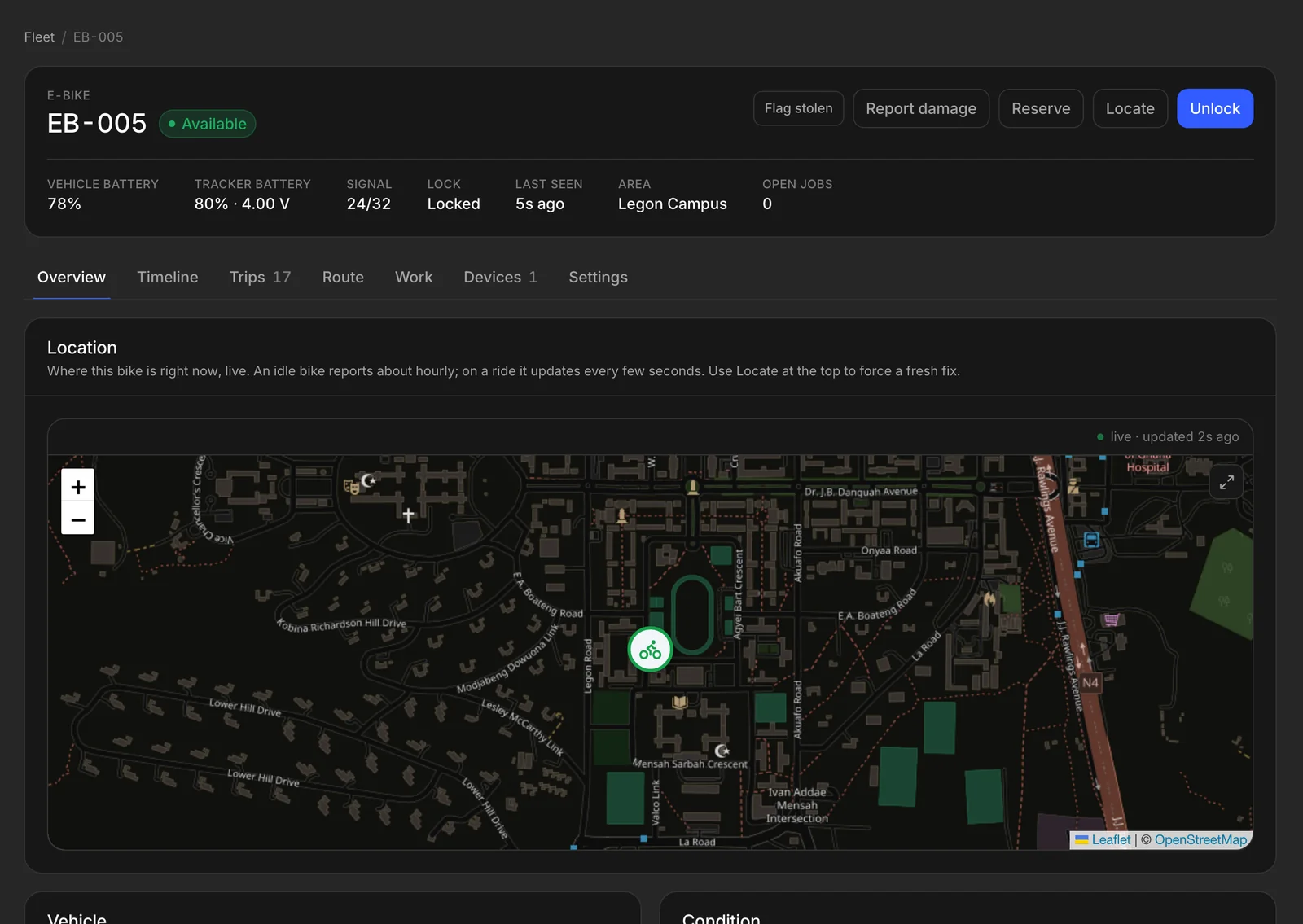
  • Lock state, battery and signal, reported by the lock itself
  • Unlock remotely, or ring a bike to find it
  • Damage reports, flagged straight onto the vehicle
  • Maintenance status and repair history per vehicle
  • Vehicle models with their own ride rules and auto-lock
  • Speed limits in slow zones, on locks that support it
A vehicle page with its battery, lock, signal and location on a mapA vehicle page with its battery, lock, signal and location on a map
Zones

Draw the rules once, on the map

Draw where bikes may park, where they must slow down and where riding is not allowed. Every ride is checked against them automatically.
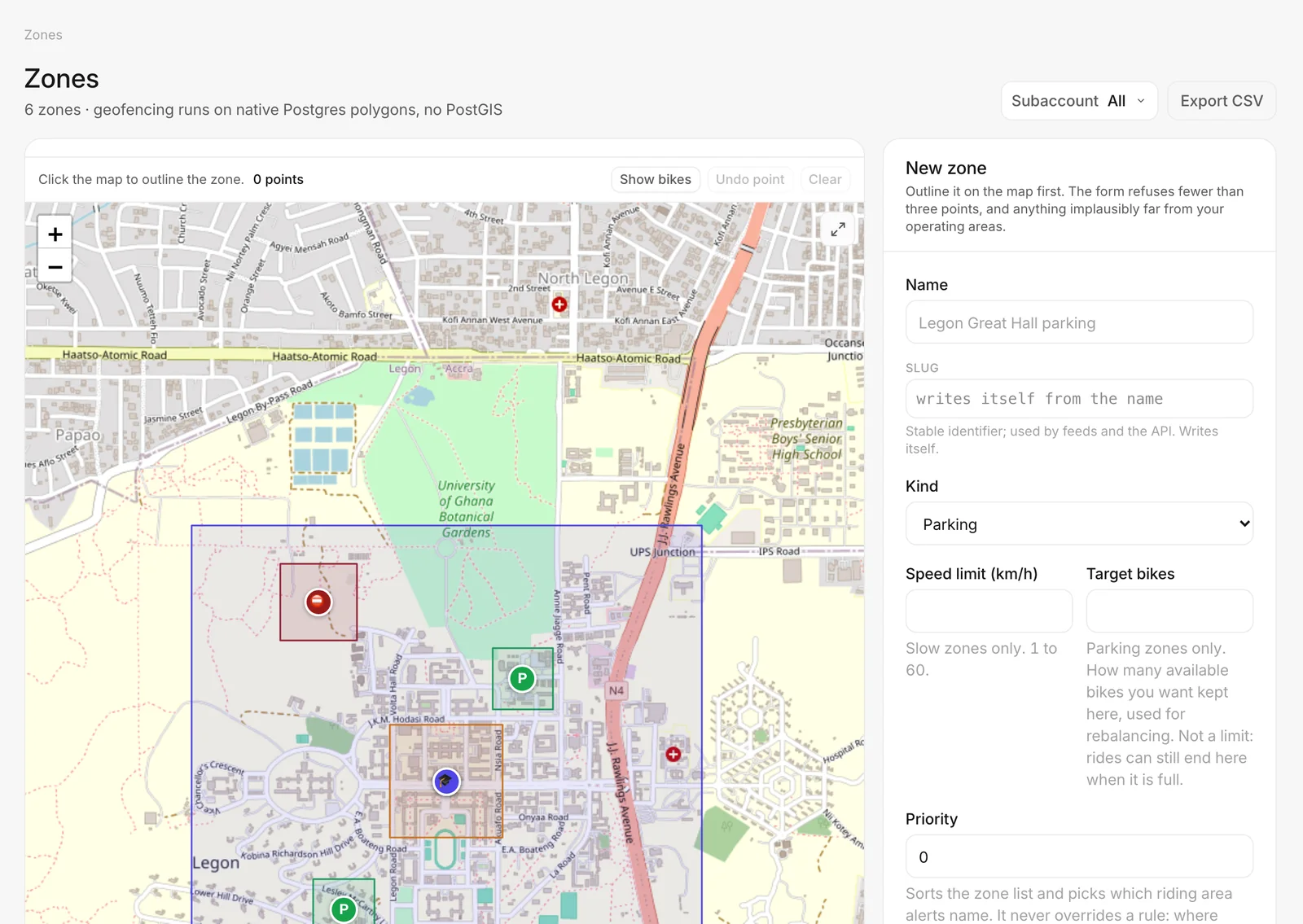
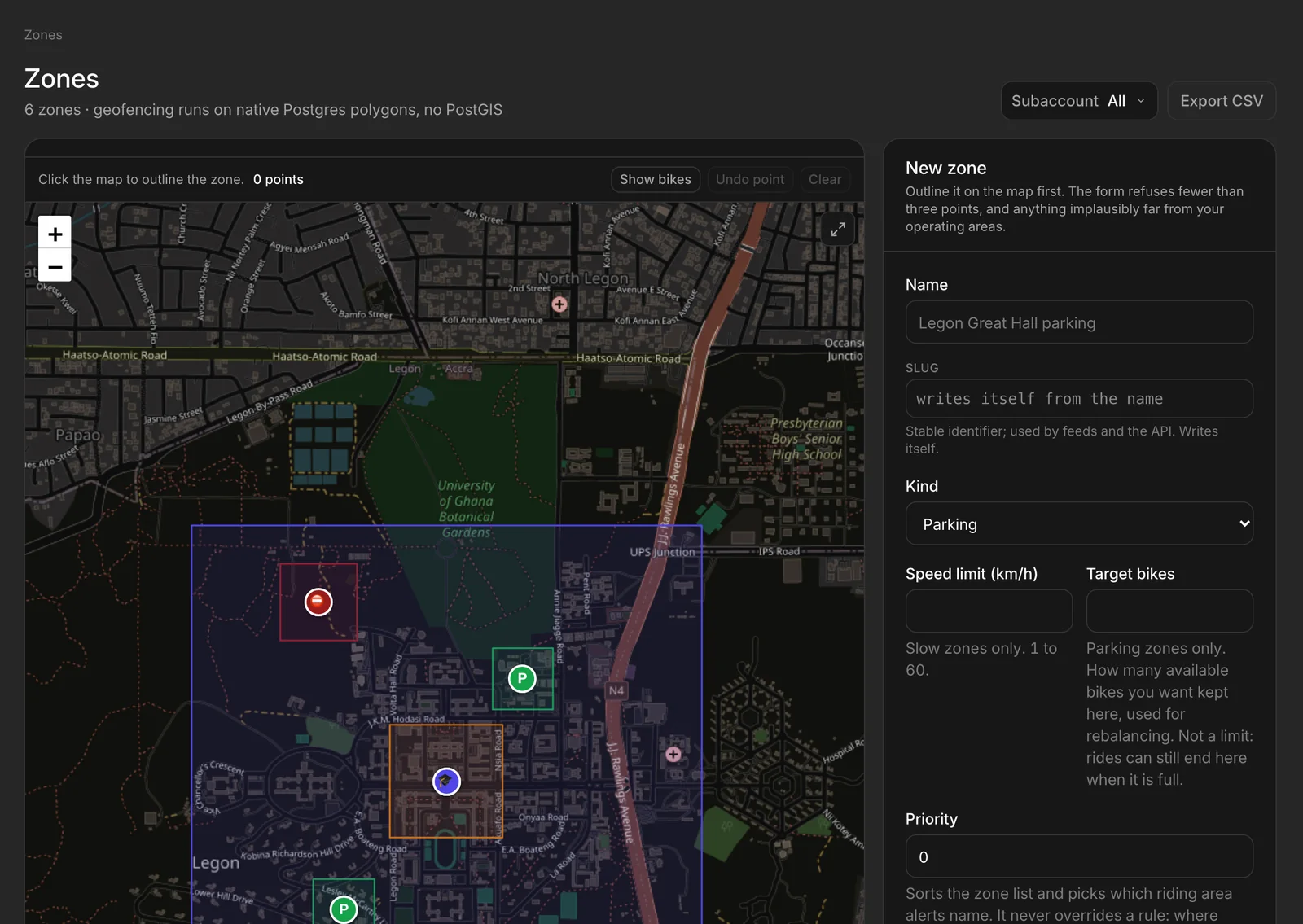
  • Parking, slow, no-ride and bonus zones
  • Out-of-area fees, or refuse to end a ride outside a parking zone
  • Rewards for riders who park in a bonus zone
  • Alerts when a locked bike moves or leaves the area
Zones drawn on a campus mapZones drawn on a campus map
Riders

Every rider, with their ID, wallet and history

Search, segment and help riders from one place. Each profile shows who they are, what they hold in their wallet and every ride they have taken.
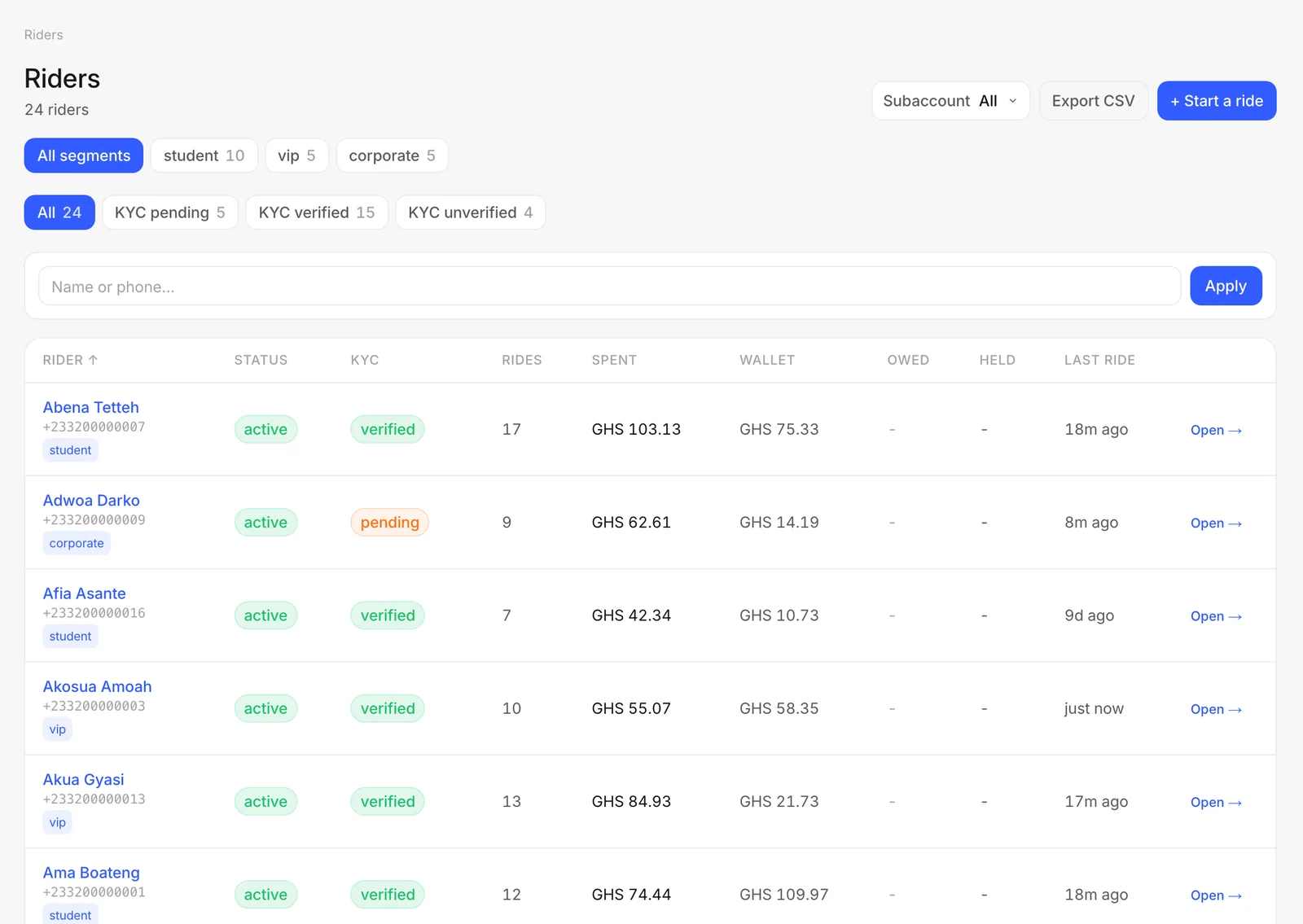
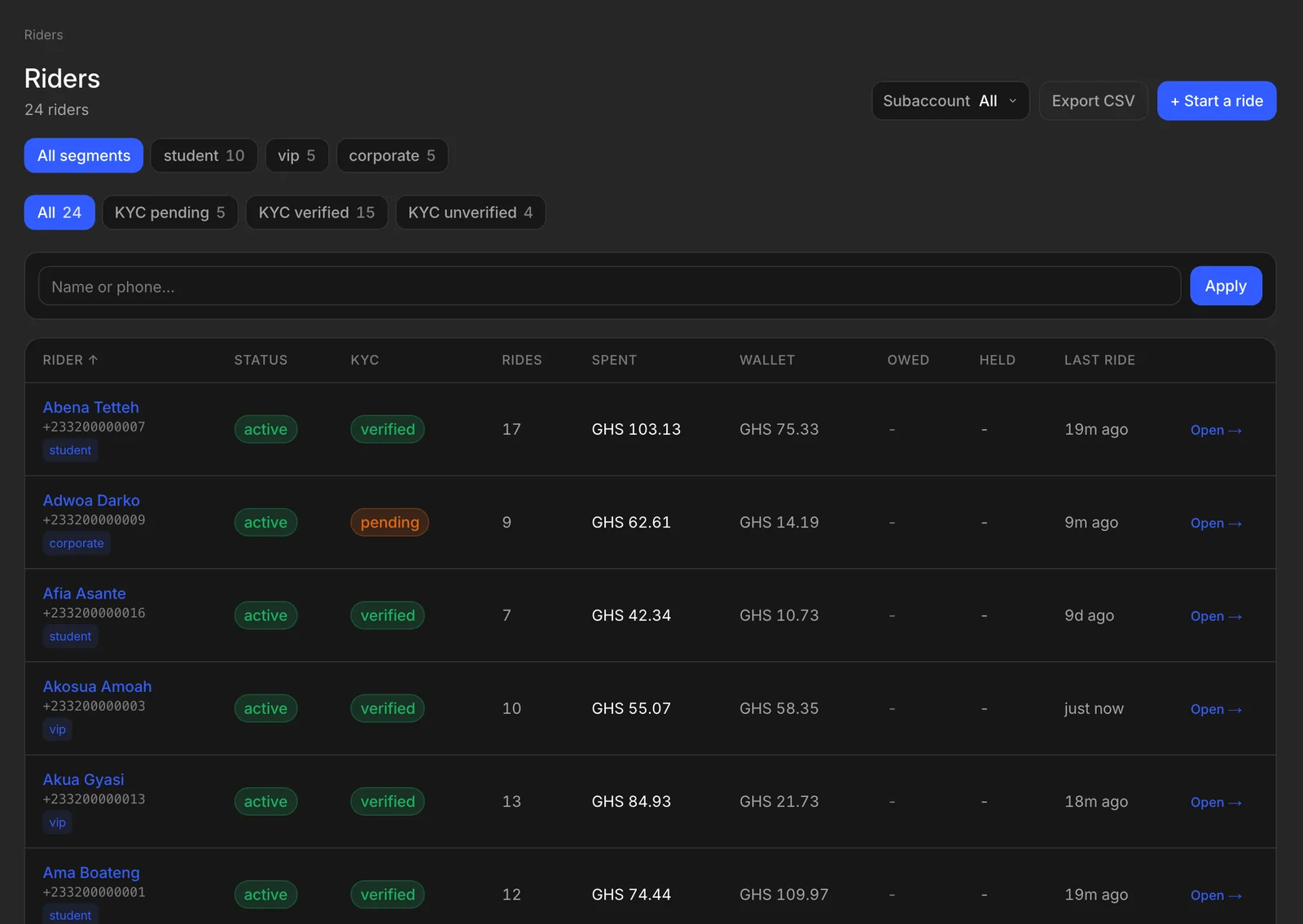
  • Ghana Card and ID checks, before a first ride if you require it
  • Wallets, deposits held, credit and anything owed
  • Segments for students, staff, corporates and VIPs
  • Notes, tags and suspensions, with a record of who changed what
  • End, pause or refund a ride on the rider's behalf
  • Export any list to CSV
The riders list with ID checks, wallets and ride countsThe riders list with ID checks, wallets and ride counts
Pricing and passes

Prices that fit how you operate

Set an unlock fee and a per-minute rate for the fleet, then adjust by zone, vehicle type or time of day. Riders always see the price before they ride.
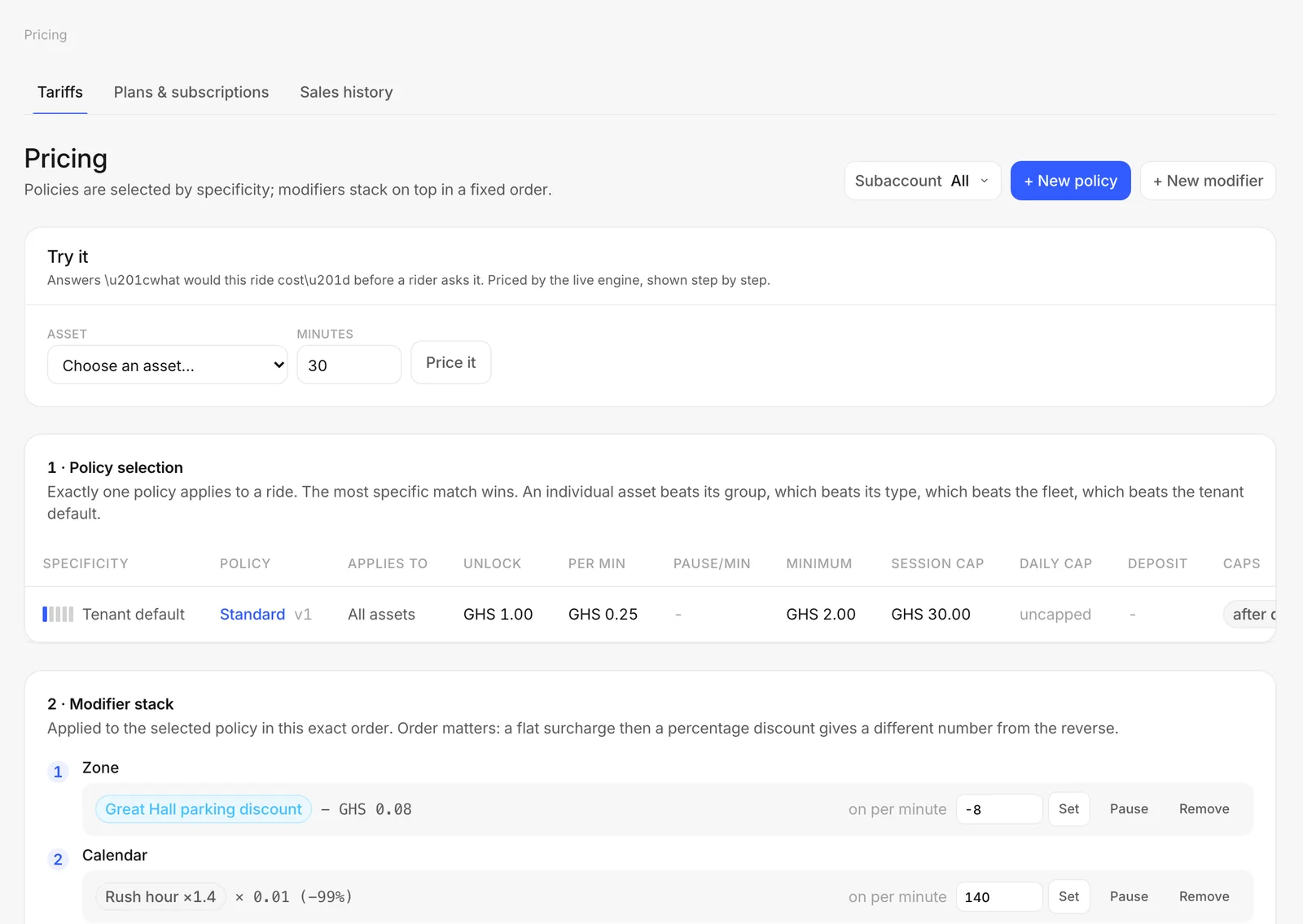
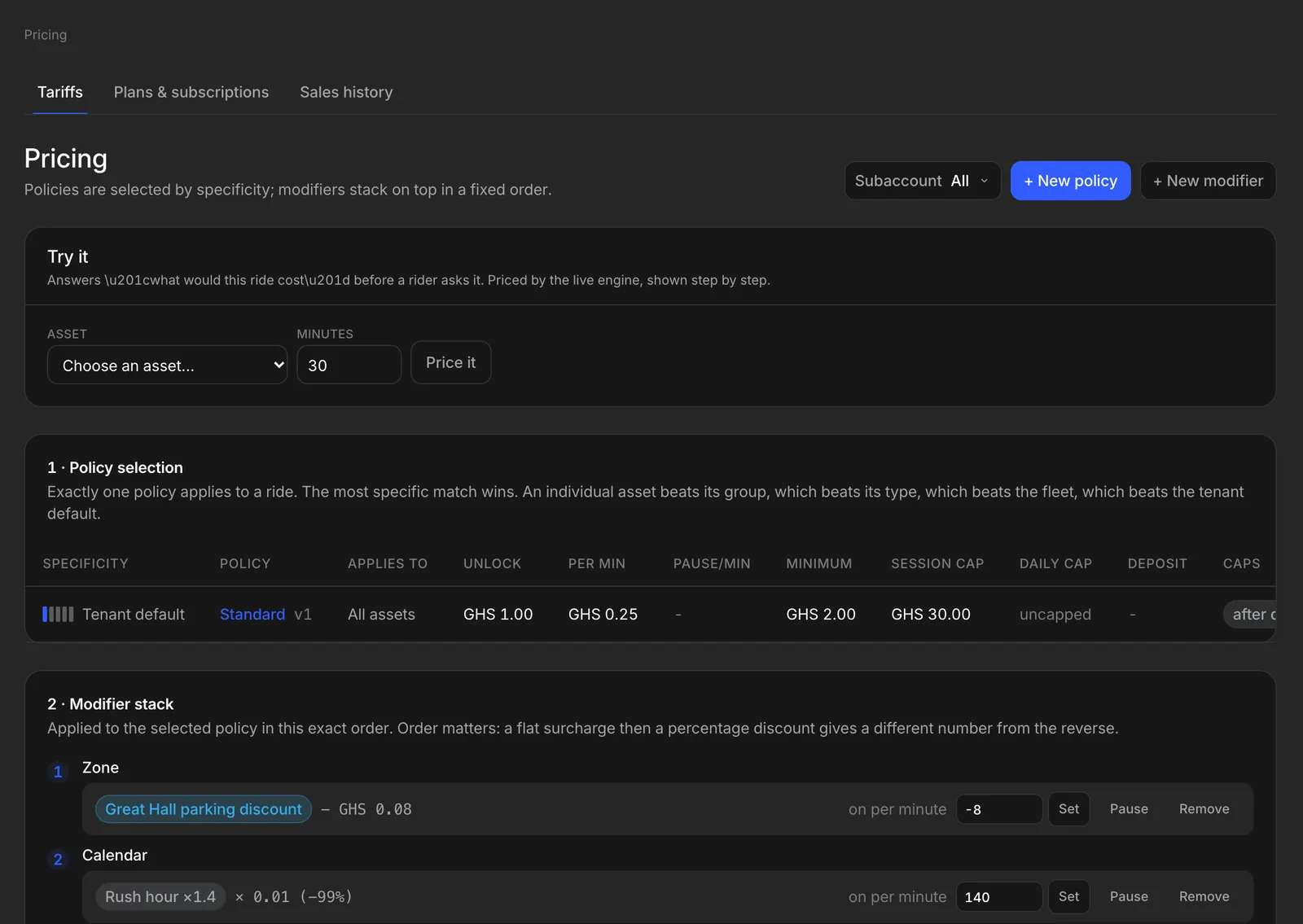
  • Different rates by zone, vehicle type and hour
  • Demand pricing for busy times, shown to riders up front
  • Daily caps and pause rates
  • Passes and subscriptions riders buy in the app
  • Promo codes and partner discounts for schools and companies
  • A price tester that shows exactly what a ride will cost
Pricing rules with a price testerPricing rules with a price tester
Rides and money

Every ride settled, every amount accounted for

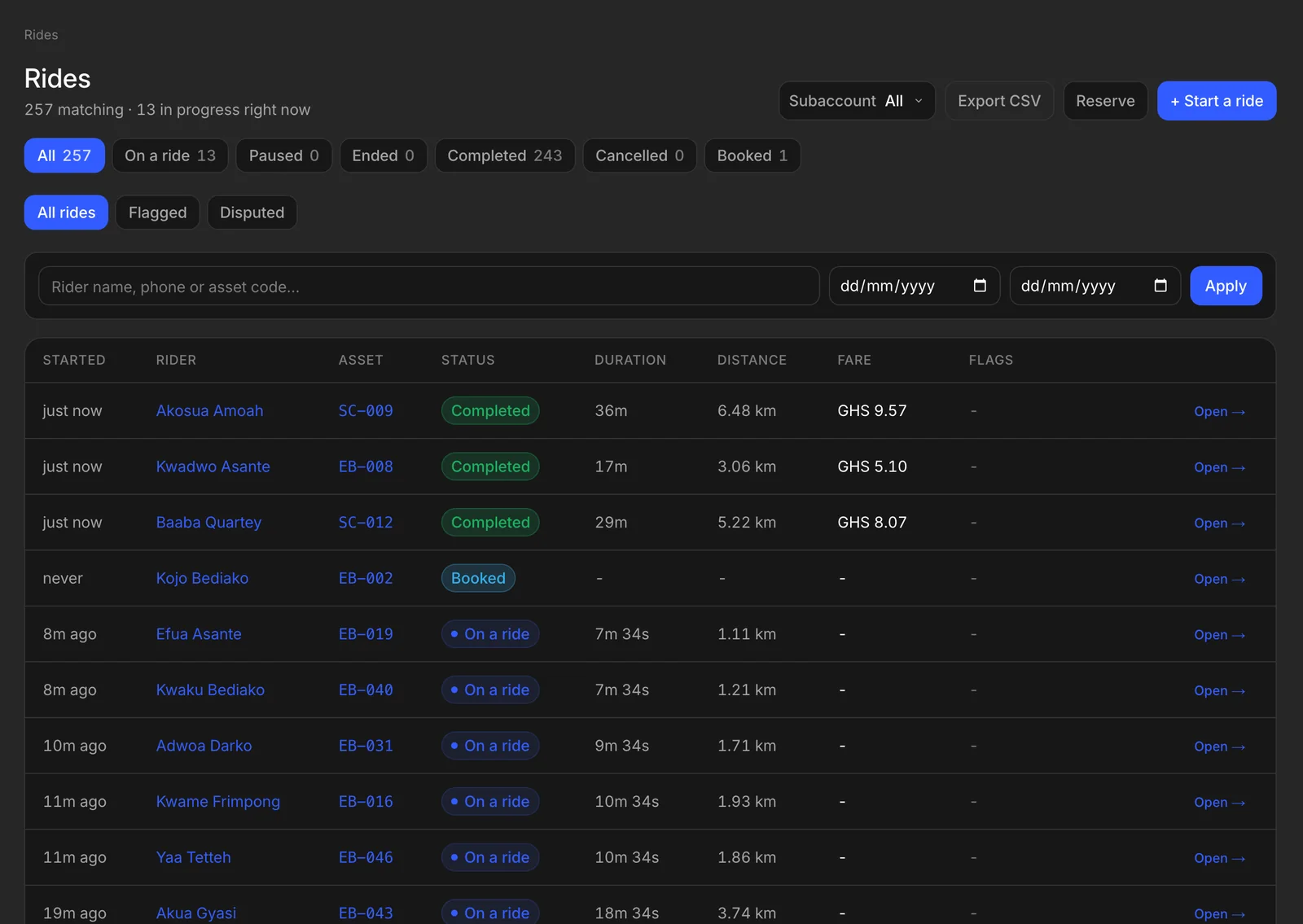
Rides are charged and settled the moment they end. Every amount, from a top-up to a refund, is recorded in a ledger, so your numbers always add up.
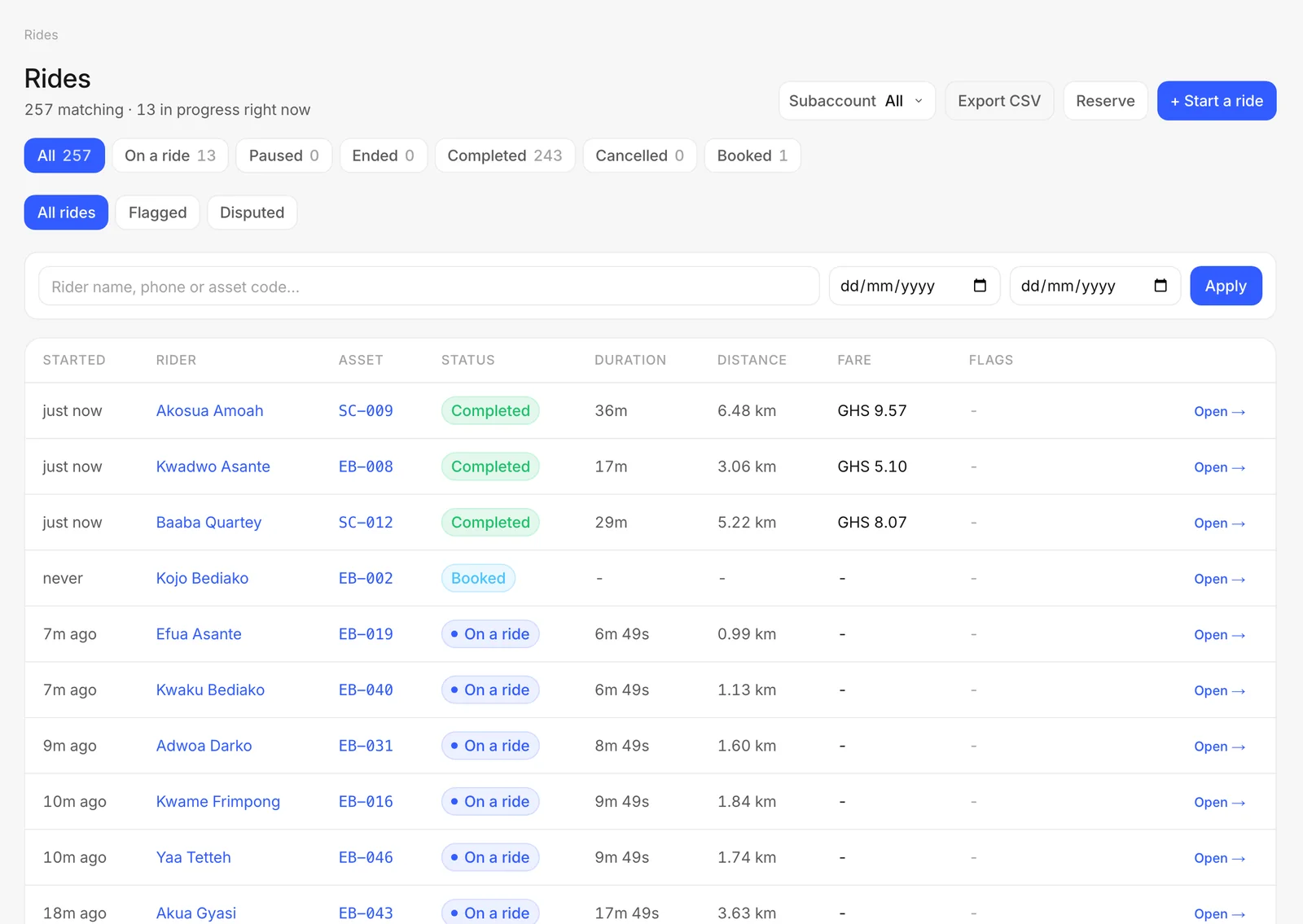
  • Riders top up with mobile money or a card through Paystack
  • Fares charged and settled automatically at the end of a ride
  • Refunds and disputes handled from the ride itself
  • A full ledger behind every balance
  • Income statement and position, by day, week or month
  • Payouts to your own account
The rides list with rides in progress and completed ridesThe rides list with rides in progress and completed rides
Support

Help riders without leaving the console

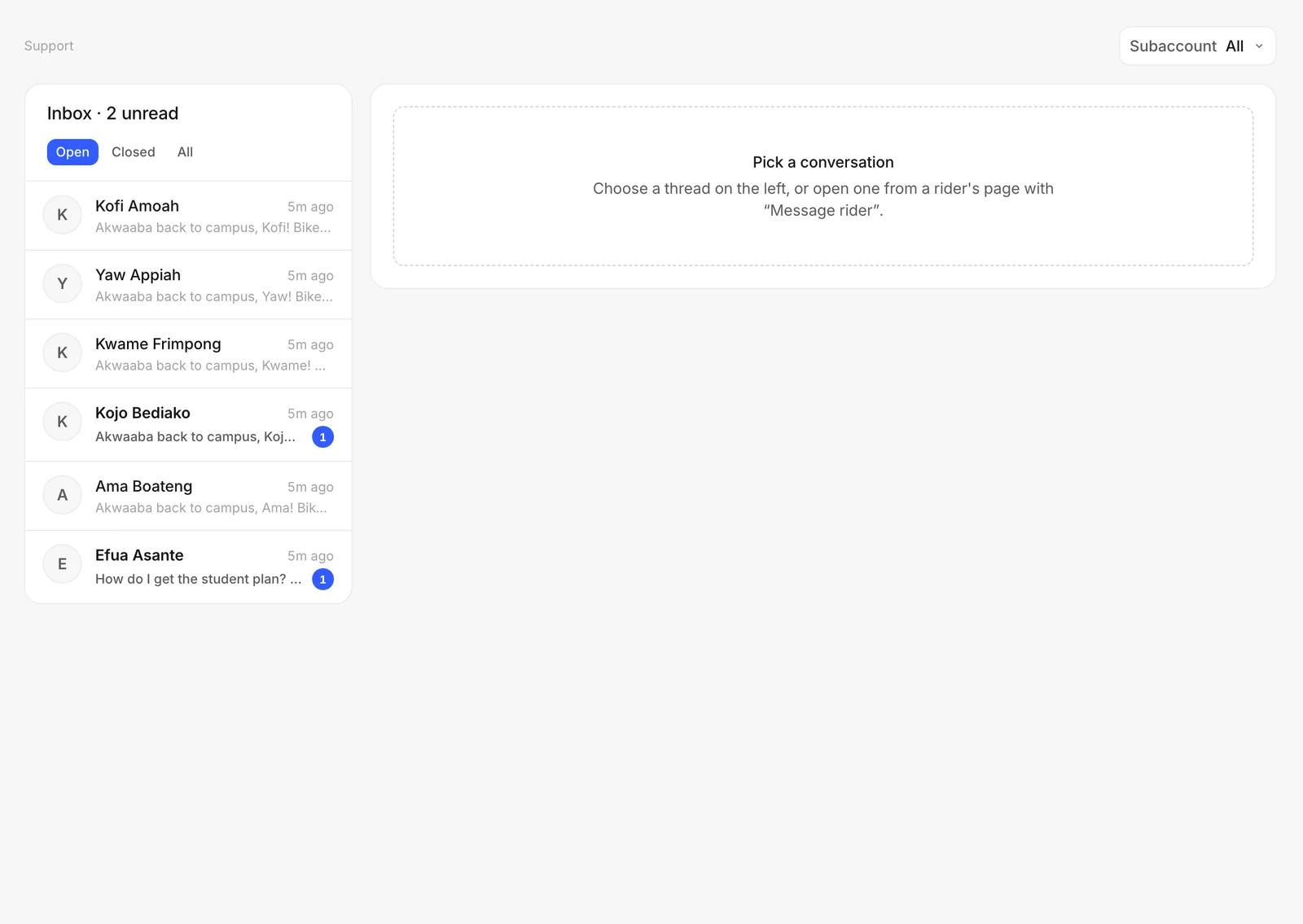
Riders write to you from the app. Your team answers with the rider's rides and wallet right beside the conversation.
  • In-app chat with photos and voice notes
  • An inbox for the whole team, with unread counts
  • Broadcasts by SMS and email to the riders you choose
  • Help articles and tutorials shown in the rider app
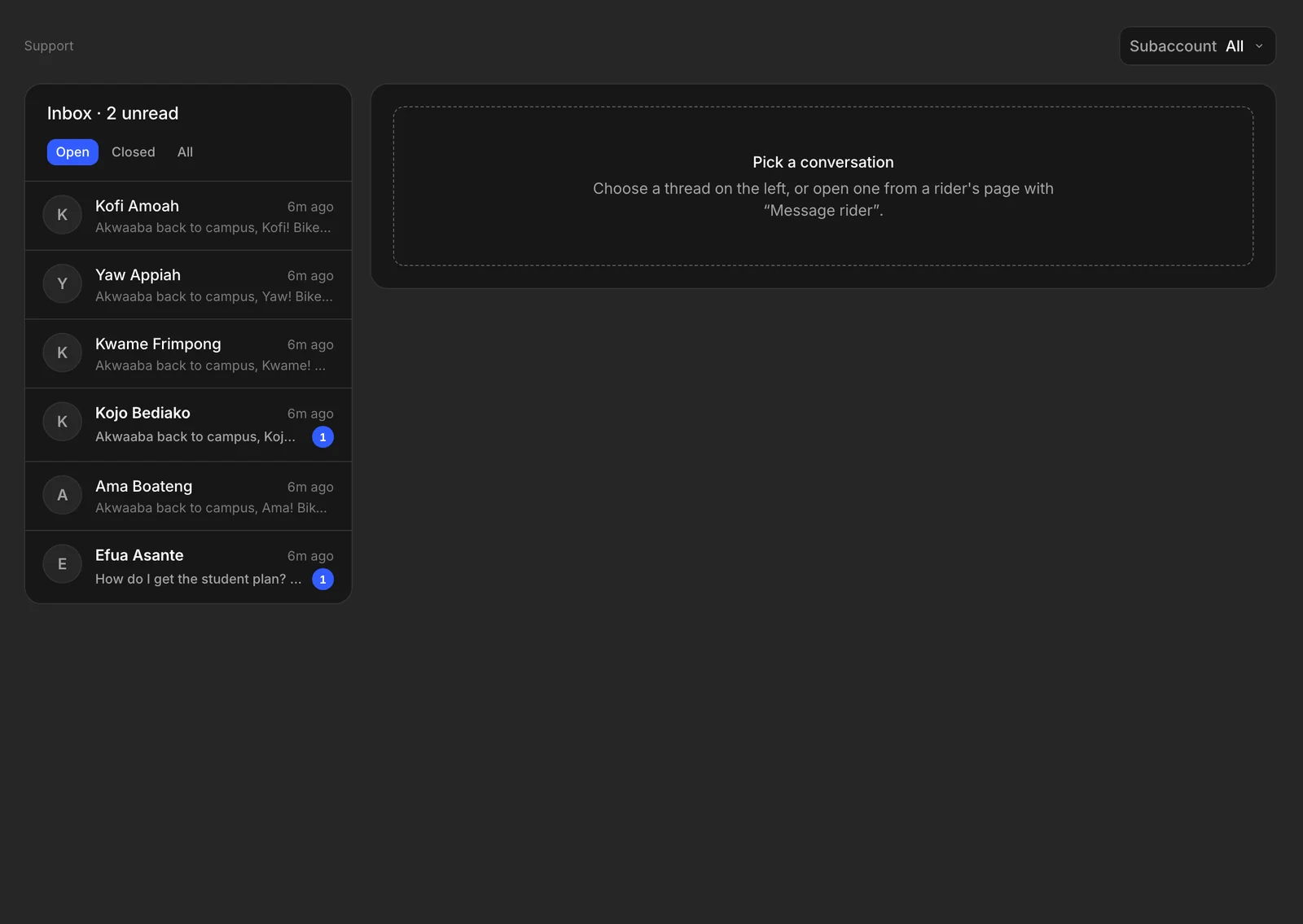
The support inbox with rider conversationsThe support inbox with rider conversations
The rider app

Your own app, on Android and iOS

The rider app carries your name, colours and logo, and is published under your own store accounts. Riders can browse before signing up, or sign up first, whichever suits your operation.

  1. 1

    Find

    Riders see nearby bikes and scooters on the map, with battery and price, and can reserve one.

  2. 2

    Unlock

    They scan the code on the bike, or type it, and the lock opens.

  3. 3

    Ride, pause, end

    Pause and come back to the same bike. Ending the ride settles the fare from their wallet.

  4. 4

    Receipt

    A receipt for every ride, with its time and fare, to keep or share.
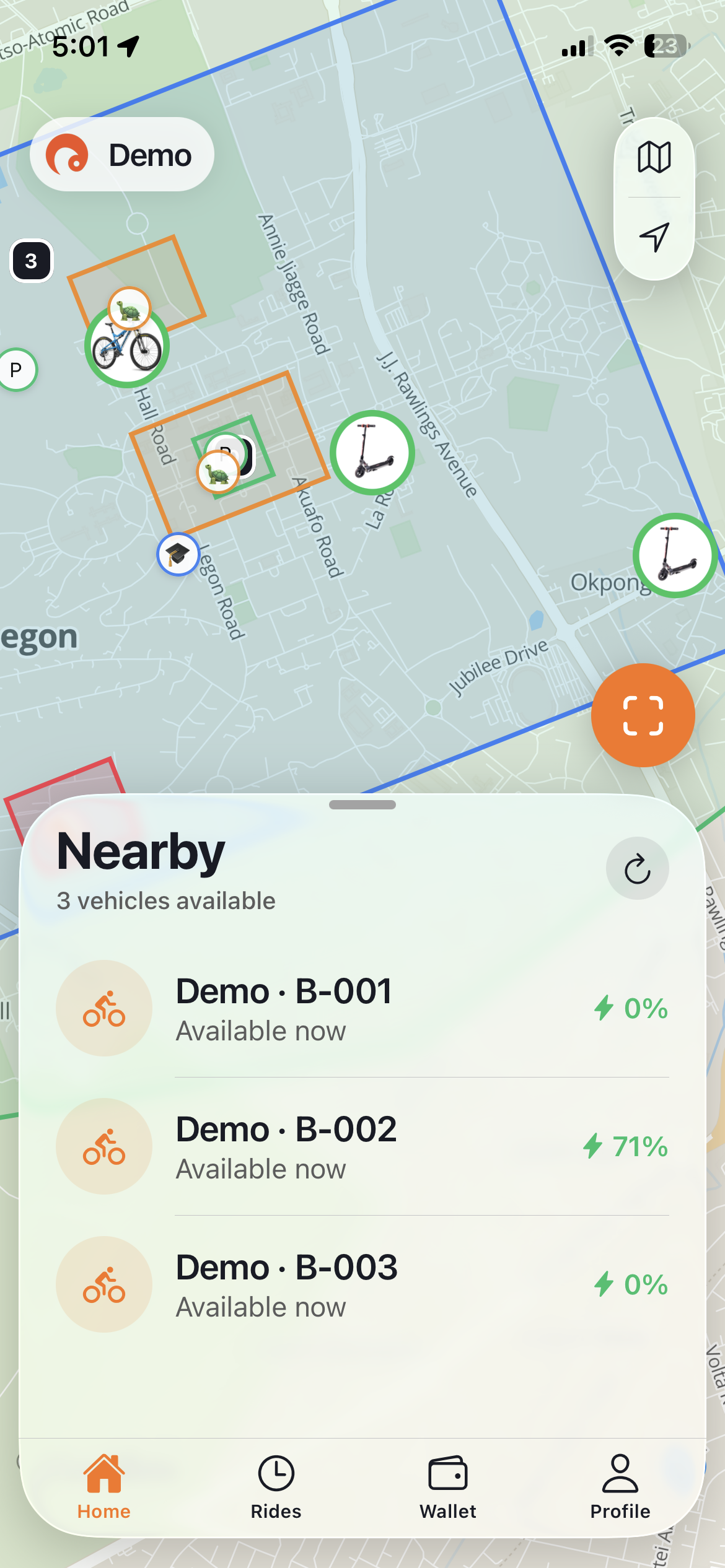
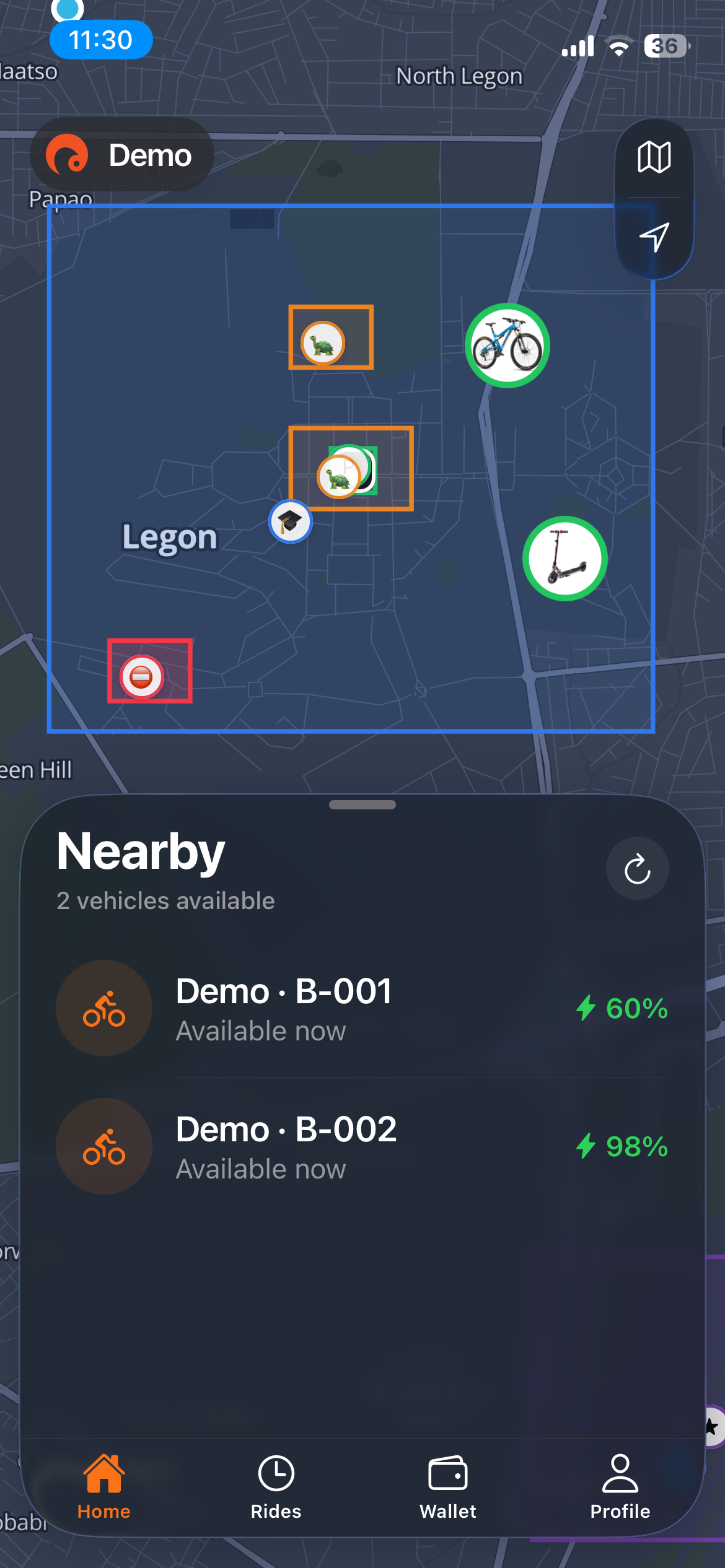
The rider app showing nearby bikes and scooters on a mapThe rider app showing nearby bikes and scooters on a map
Teams and franchises

Built to grow with your operation

From one campus fleet to a network of franchises, with the controls a growing team needs.

Roles and permissions

Give each person exactly what their job needs, from field staff who open locks to finance who never touch the fleet.

Franchises and subaccounts

Run franchises with their own fleet, staff, branding and billing, while you see the whole network.

Partners

Discounts and fleets for schools, campuses and companies, with their own join codes.

Integrations

Switch on payments, SMS, ID checks, locks and analytics from a marketplace, one at a time.

API keys

Connect your own tools with scoped API keys from the developer settings.

Audit log

Every change by every person is recorded, and can be exported.

Ready to run your fleet like this?

Set up a walkthrough with your own fleet data. No sales deck, just the control room.

Book a demo